

How to Stop Phone from Overheating
Why Is Your Phone Overheating?
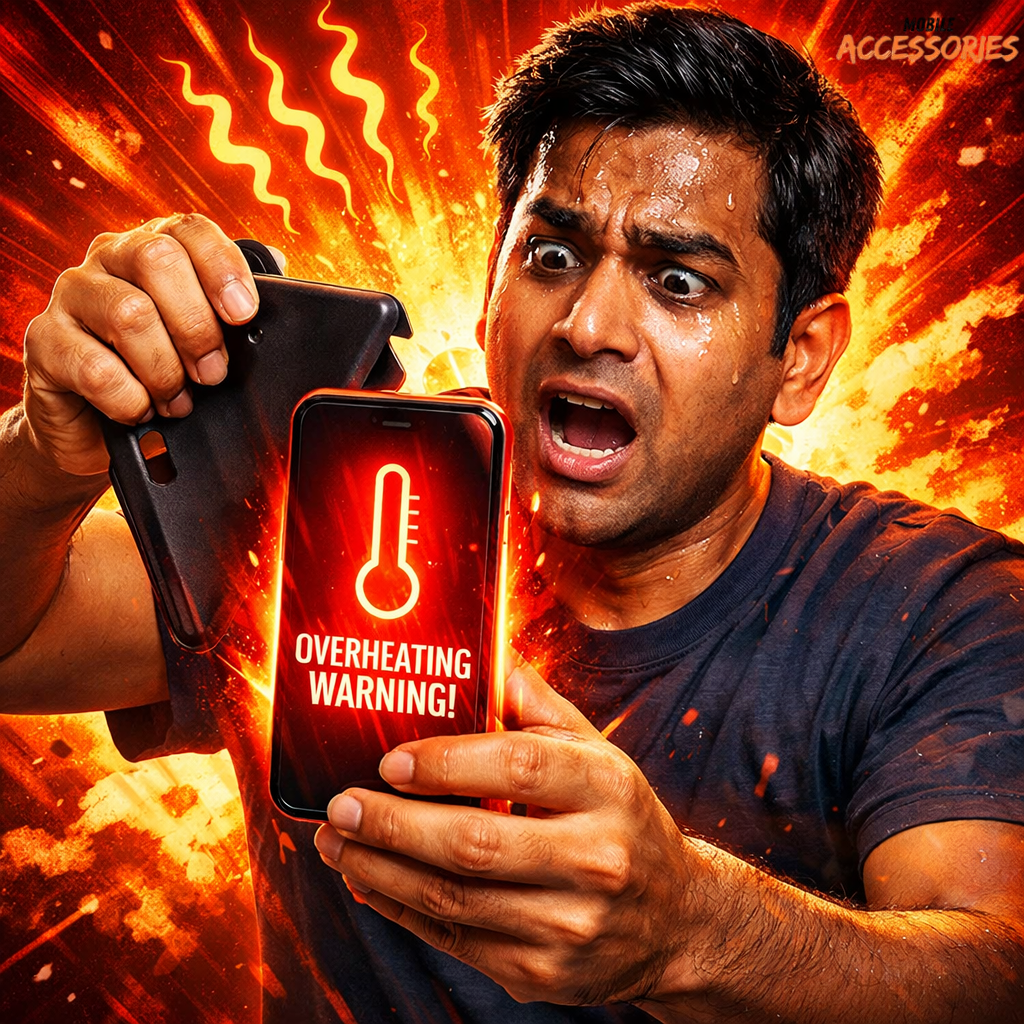
Phone overheating happens when the internal processor (CPU) and battery generate more heat than the device can release.
Common causes:
-
Heavy gaming
-
Charging while using
-
Background apps
-
Poor signal strength
-
Software bugs
-
Old battery
-
Direct sunlight exposure
Normal phone temperature: 30°C–40°C
Danger zone: Above 45°C
If your phone feels too hot to hold comfortably, it needs attention.
🚨 How to Cool Down Your Phone Immediately
If your phone is heating right now, do this:
-
Turn on Airplane Mode
-
Remove the phone case
-
Stop charging immediately
-
Close all background apps
-
Keep it in a cool, shaded area
-
Switch it off for 10–15 minutes
⚠️ Do NOT put your phone in the fridge.
Sudden temperature change causes condensation and motherboard damage.
🔥 Main Reasons for Phone Heating Issues
1. Charging Mistakes
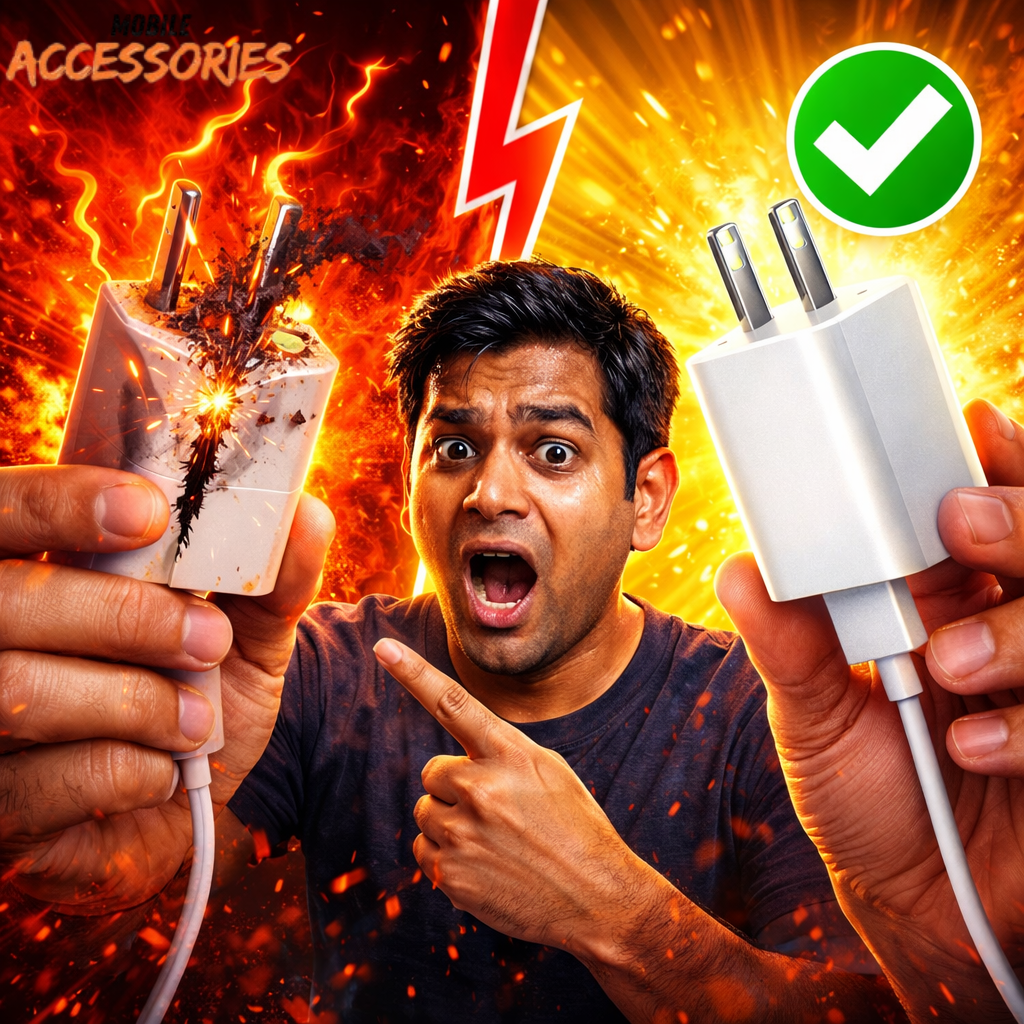
Using low-quality chargers or fast charging repeatedly increases battery heat.
Fix:
-
Use original charger
-
Avoid gaming while charging
-
Follow 20%–80% battery rule
2. Background Apps
Many apps run silently and consume CPU power.
Fix:
Settings → Battery → Check usage → Remove heavy apps
3. Gaming & Heavy Apps
Games push GPU and CPU to maximum.
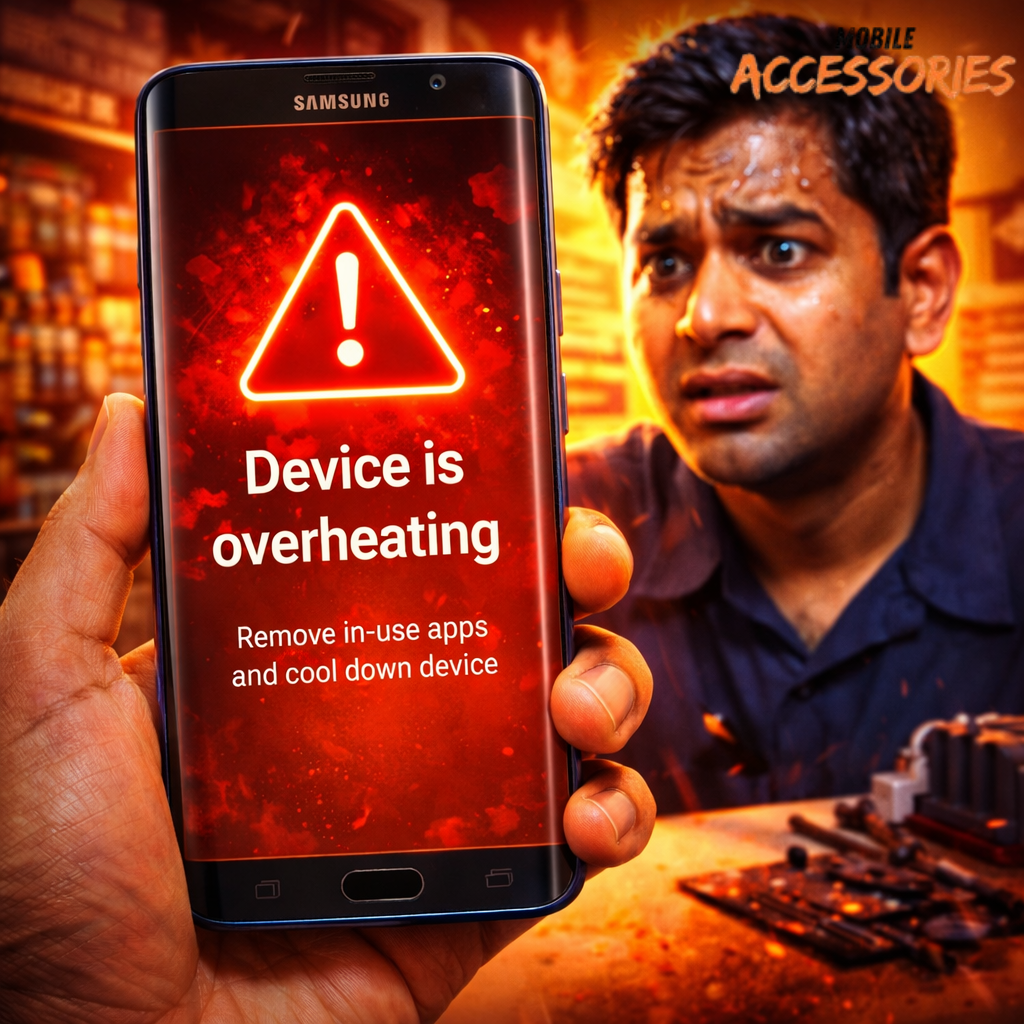
If your Samsung phone overheating during gaming:
-
Reduce graphics settings
-
Enable Game Booster (Samsung devices)
-
Take breaks every 30–40 minutes

4. Software Bugs
Outdated system = poor optimization.
Fix:
-
Update software
-
Clear cache partition (for Samsung devices)
📱 Samsung Phone Overheating (A50, S8, Galaxy Models)
If you face:
-
Samsung A50 overheating issue
-
Samsung Galaxy S8 overheating
-
Device overheating Samsung error message
Do this:
-
Check for software update
-
Reset network settings
-
Turn off 5G if not needed
-
Factory reset (only if severe issue)
If overheating continues, battery health may be degraded.
🔋 What Is the 80-20 Battery Rule?
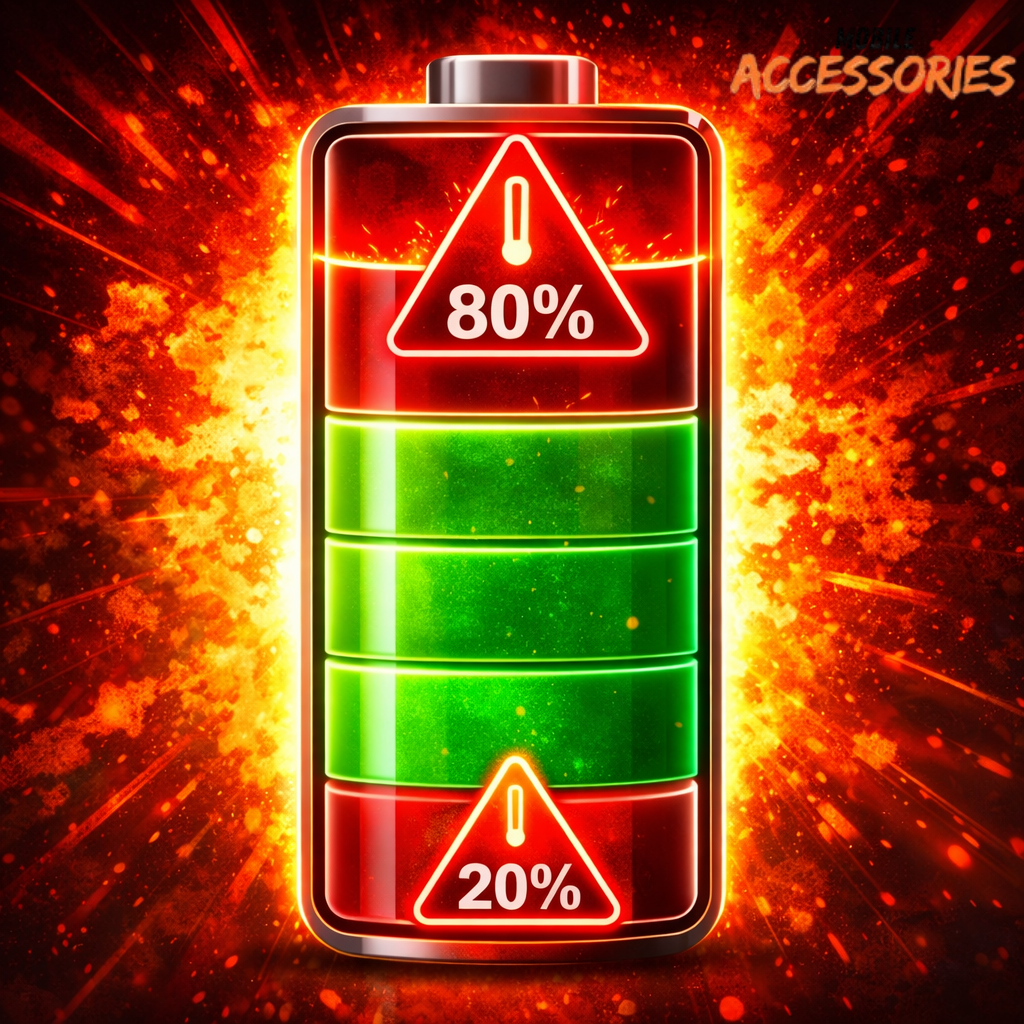
The 80-20 rule means:
-
Don’t let battery drop below 20%
-
Don’t charge above 80%
This reduces lithium-ion battery stress and prevents overheating long term.
Charging to 100% daily increases heat cycles.
❓ Does Overheating Ruin a Phone?
Yes.
Long-term overheating can:
-
Reduce battery lifespan
-
Slow performance
-
Damage motherboard
-
Cause random shutdowns
Ignoring it is expensive.
How to Reduce Phone Heat Long-Term
✔ Keep brightness moderate
✔ Avoid cheap phone covers
✔ Keep storage below 80% full
✔ Avoid charging overnight
✔ Remove unused apps
✔ Use original accessories
If you’re planning to switch phones but worried about losing your contacts while managing apps and settings, we’ve got you covered. Check out our step-by-step guide on how to move contacts from Android to Android to make your device transition smooth and hassle-free. 👉 Read more here
FAQ Section (Structured for AI Snippets)
How to improve phone cooling?
Remove case, avoid direct sunlight, close background apps, and update software.
What is the main reason for phone heating?
Heavy processor usage (gaming, apps) and battery stress are primary reasons.
Can I put my phone in the fridge to cool it down?
No. Sudden temperature change can cause internal moisture damage.
How to cool down your phone immediately?
Turn on Airplane Mode, remove case, stop charging, and power off for 10–15 minutes.
Does overheating ruin a phone?
Yes, it can damage battery and internal components over time.
How to reduce overheating?
Use original charger, avoid heavy apps while charging, and follow 20–80 battery rule.
How can I fix my overheating problem?
Update software, remove heavy apps, check battery health, and reset if needed.
How do I cool my battery?
Stop charging, avoid full charge cycles, and prevent heavy use while plugged in.
What is the 80 20 battery rule?
Keep battery between 20% and 80% for longer lifespan.
Can charging your phone overheat it?
Yes, especially if using low-quality chargers or gaming while charging.
How to extend battery life?
Avoid extreme heat, follow 80–20 rule, and use original charging accessories.
🎥 Watch Our Short Video Guide
We also explained this visually:
👉 https://youtube.com/shorts/msCoqoKFaeU
Short. Practical. No nonsense.
📍 Need Professional Help in Bengaluru?
If your phone is still heating even after all fixes, battery replacement or motherboard inspection may be required.

Visit:
Shree Sundhamata Mobiles | Mobile Repair Shop | Mobile Accessories
📍 No, 6/2, Magadi Main Rd, opp. TVS Solar Motors, 6th Block, Rajajinagar, Bengaluru, Karnataka 560023
📞 088847 81163
We repair:
-
Samsung overheating phones
-
Battery replacement
-
Charging issues
-
Motherboard heat problems
👉 Walk in today or call for quick assistance.