

How to Move Contacts From Android to Android
Getting a new phone is exciting… until you realize all your contacts are still sitting on the old device.
Most people panic at this point and start searching things like how to transfer contacts from one phone to another or how can I copy contacts from one phone to another. The good news is — moving contacts today is far easier than it used to be.
Whether you’re switching Android phones, moving to an iPhone, or just sending numbers to another device, there are a few reliable ways to do it. Let’s walk through them one by one.
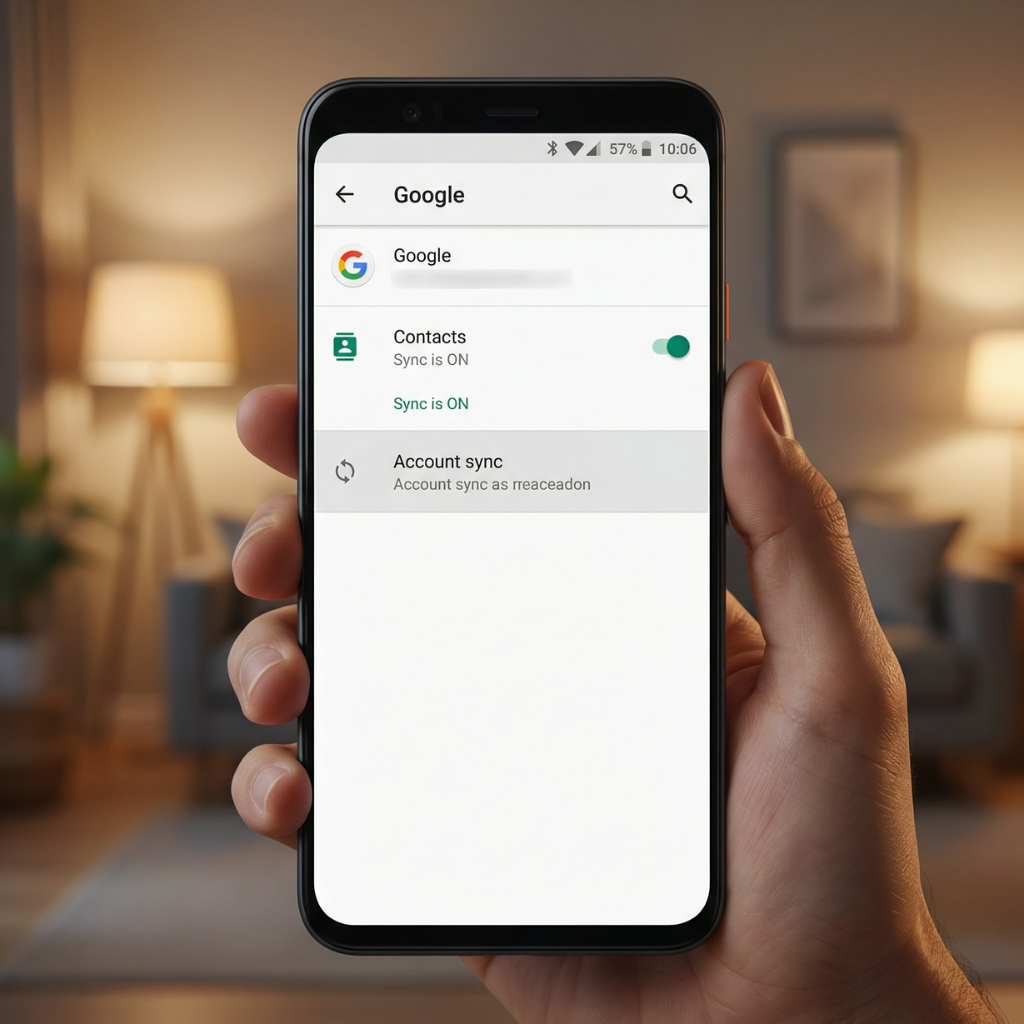
The easiest way: Google sync (Android to Android)
If both phones are Android, this is honestly the smoothest method. Your contacts live inside your Google account, not just on the phone.
On your old phone:
-
Open Settings
-
Go to Accounts
-
Tap your Google account
-
Make sure Contacts sync is turned on
Give it a minute to finish syncing.
Now pick up your new phone and sign in using the same Google account. Within moments, your contacts appear automatically.
This is what people mean when they ask how do I transfer contact from Android to Android — you’re not copying files, you’re restoring your data.
Behind the scenes, Google Contacts keeps everything updated.
Manual method: export and import contacts
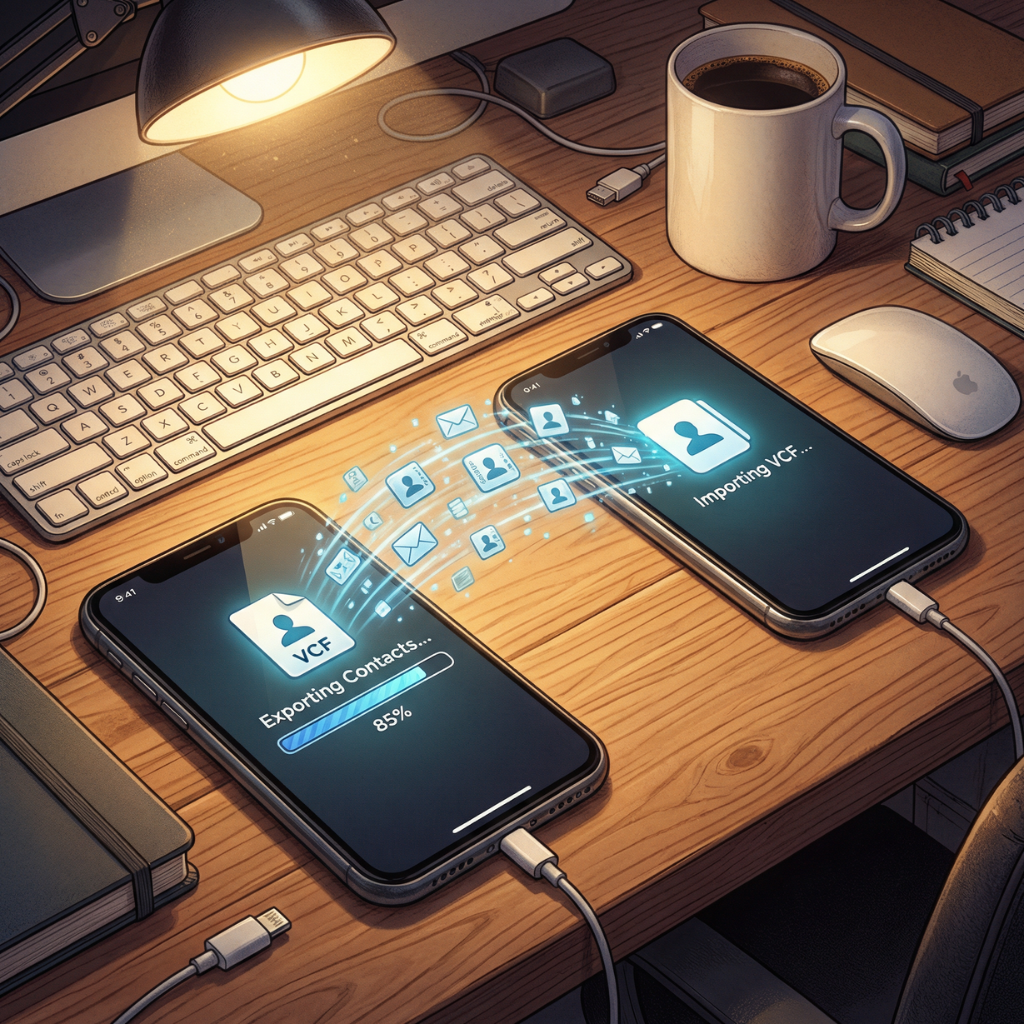
Sometimes you want more control — maybe no internet, or you’re helping someone else move contacts.
This method answers questions like how to export contacts from one phone to another or how to copy contacts from one phone to another phone.
On the old device:
-
Open the Contacts app
-
Tap the menu
-
Choose Export
-
Save the file (VCF format)
Send that file to the new phone using Bluetooth, cable, or cloud storage.
On the new phone:
-
Open Contacts
-
Tap Import
-
Select the file
All numbers appear instantly.
It’s simple, offline, and dependable.
Quick sharing when you just need a few contacts
Not every situation needs a full transfer. Sometimes you just want to send a number to another phone.
Open a contact → tap Share → choose Bluetooth or nearby sharing.
This is exactly what people mean when searching how to share contacts from one phone to another or how to send contacts from one phone to another.
Fast. Direct. Done in seconds.
Moving contacts from Android to iPhone
Switching platforms sounds complicated, but it isn’t.
Apple provides an app called Move to iOS that transfers contacts during setup.
Steps:
-
Install Move to iOS on your Android phone
-
Start iPhone setup
-
Choose data transfer
-
Follow on-screen pairing instructions
Your contacts move safely without manual copying.
This solves searches like how do I transfer Android contacts to iPhone or how to transfer contacts to new iPhone from Android.
iPhone to iPhone contact transfer
If you’re staying inside the Apple ecosystem, contacts sync through iCloud.
Turn on contact sync in iCloud settings on both devices, and everything copies automatically.
No cables, no exporting, no stress.
Mistakes people make (and regret)
-
Forgetting to sync before resetting the old phone
-
Using the wrong account
-
Interrupting transfer midway
-
Not confirming contacts appeared
Always double-check before wiping anything.
Final thoughts
Transferring contacts isn’t complicated — it just feels intimidating the first time.
Whether you’re figuring out how do you copy contacts from one phone to another or how to switch contacts from one phone to another, the safest approach is:
👉 Sync first
👉 Backup second
👉 Transfer calmly
Do that, and your numbers stay safe every time. And with that, know how to find my lost Android phone