

How to find my lost Android phone
Losing your phone feels like losing a part of your life. Contacts, photos, bank apps, personal data — everything is inside that small device. The good news is: Android gives you multiple ways to locate, secure, and even recover your phone if you act quickly.
Whether your phone is misplaced at home or you’re trying to track a stolen Android phone, this guide walks you through practical steps that actually work
Step 1 — Use Google’s Find My Device Immediately
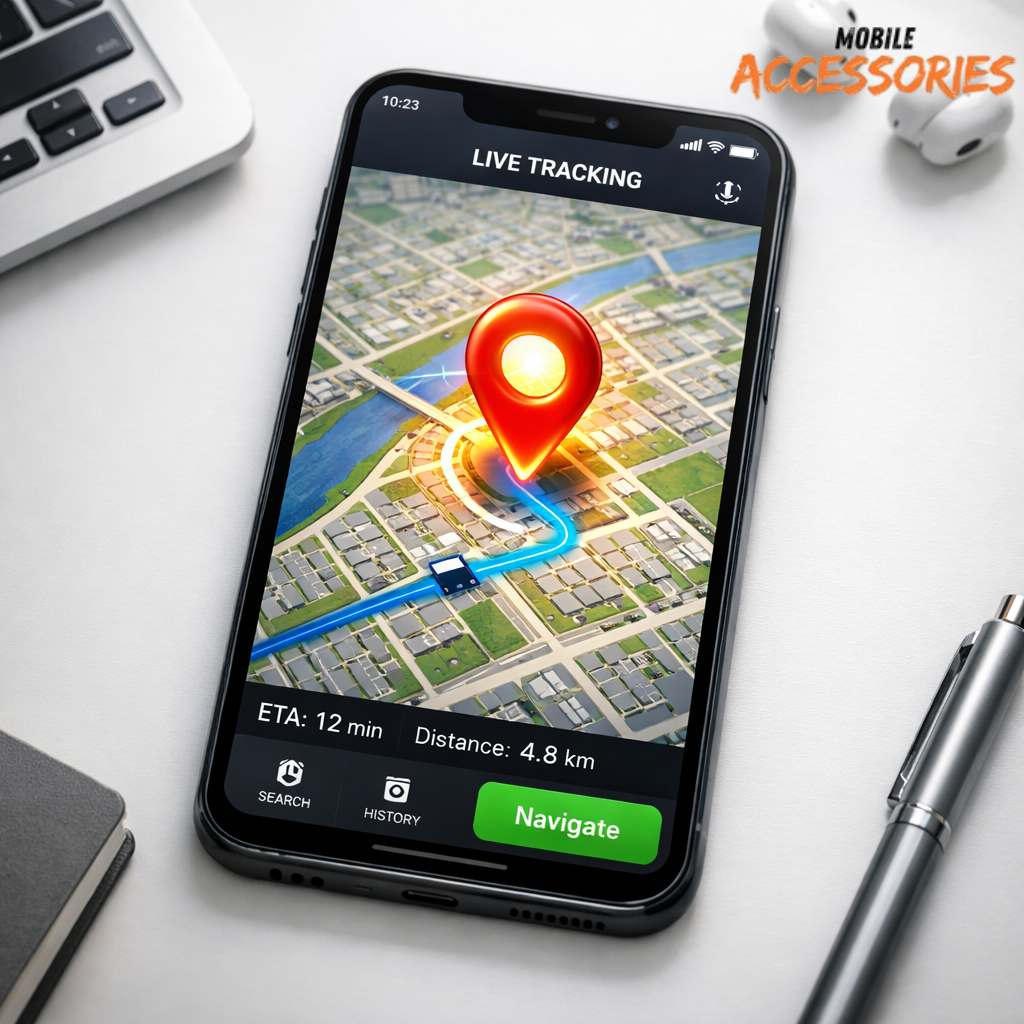
If you’re wondering how to find my lost Android phone, the fastest solution is Google Find My Device.
What it does:
-
Shows your phone’s live location
-
Makes it ring at full volume
-
Locks the device remotely
-
Lets you erase sensitive data
How to use it:
-
Open a browser on another phone or computer
-
Search “google how to find my phone”
-
Log in with your Google account
-
Select your missing device
If your phone is online, you’ll instantly see where it is.
This is the first thing to try when asking:
-
how can I find my lost android phone
-
how do I find my lost android phone
-
android how to find my phone
Because it works in seconds.
Step 2 — Make the Phone Ring (Even on Silent)
A common situation: your phone isn’t stolen — it’s hiding.
Using Find My Device, press Play Sound. Even if it’s on silent, it rings loudly for five minutes.
This is perfect if you’re thinking:
-
how do you find a lost android phone
-
how to find your lost android phone
Check:
-
Couch cushions
-
Car seats
-
Bags
-
Laundry piles
Simple, but surprisingly effective.
Step 3 — Lock Your Device If Theft Is Suspected
If you believe someone stole your phone, act fast.
Use Find My Device to:
✔ Lock the phone
✔ Display a recovery message
✔ Add an alternate contact number
This is essential when figuring out:
-
how to track a stolen android phone
-
how to find a stolen android phone
Locking prevents misuse of personal apps and payment systems.

Step 4 — Track Movement Carefully
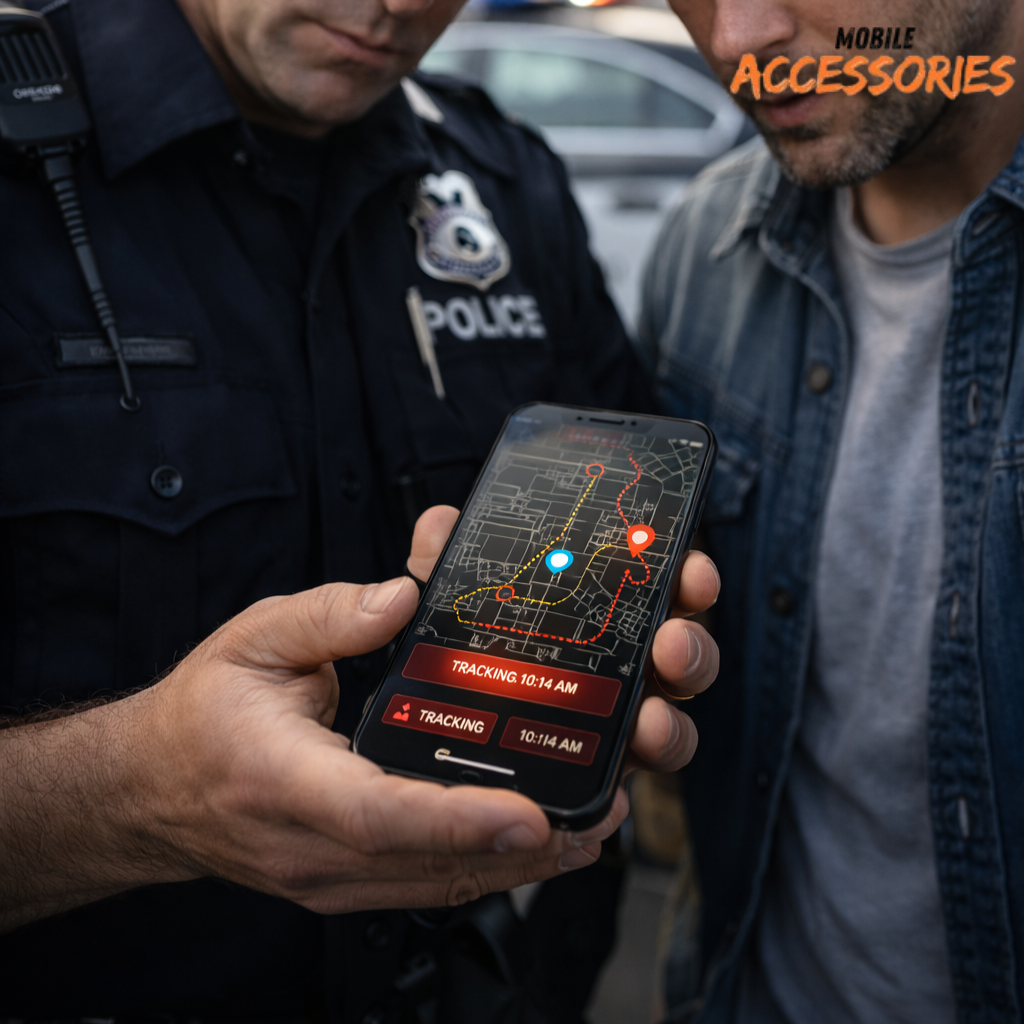
If location tracking updates, you may see movement.
Important:
👉 Do NOT confront anyone directly
👉 Share the location with authorities
This step matters if you’re asking:
-
how can I track my lost android phone
-
how to track my lost android phone
Your safety comes first.
Step 5 — Contact Your Carrier
Call your mobile network provider to:
-
Block SIM access
-
Prevent unauthorized usage
-
Protect billing
Especially useful if you’re trying to locate a lost Android cell phone that is offline.
Bonus — Prevention Tips for the Future
Once recovered, reduce future risk:
✔ Keep location services enabled
✔ Use screen locks
✔ Enable automatic backup
✔ Add emergency contact info
These habits make it easier next time you wonder:
-
how can you find a lost android phone
-
how do I find a lost android phone
Preparation saves panic.
Final Thoughts
Losing a phone is stressful — but Android recovery tools are powerful when used quickly.
The key is speed:
👉 Track immediately
👉 Secure your device
👉 Protect your data
Most people who act fast successfully recover their device or prevent misuse.
FAQ Section
How can I find my lost Android phone quickly?
The fastest way is to use Google Find My Device. Log in with your Google account from another device to see your phone’s location, make it ring, lock it, or erase data. Acting quickly increases your chances of recovery.
How do I track a stolen Android phone?
If your device is stolen, open Find My Device to track its last known location. Lock the phone immediately to prevent misuse and share the location with authorities instead of confronting anyone yourself.
How do you find a lost Android phone if it’s on silent?
Use the “Play Sound” option in Find My Device. It forces the phone to ring at full volume even if silent mode is enabled, helping you locate it nearby.
Can I find my Android phone if it’s offline?
If the phone is offline, you’ll see its last recorded location. Once it reconnects to the internet, tracking updates automatically. Keep monitoring the dashboard.
How can I locate my lost Android phone without another phone?
You can use any internet-connected computer or tablet. Simply sign in to your Google account through a browser and access Find My Device to track or secure your phone.