

When your phone does not charge, it can be stressful. Many people search things like “my phone is not charging”, “why is my phone not charging”, or “my iPhone is not getting charged” because the phone is an important part of daily life.
The good news is — most charging problems are easy to fix. Let’s go through the real reasons your phone won’t charge and what you should do.
1. Charging Cable or Adapter Is the Most Common Problem
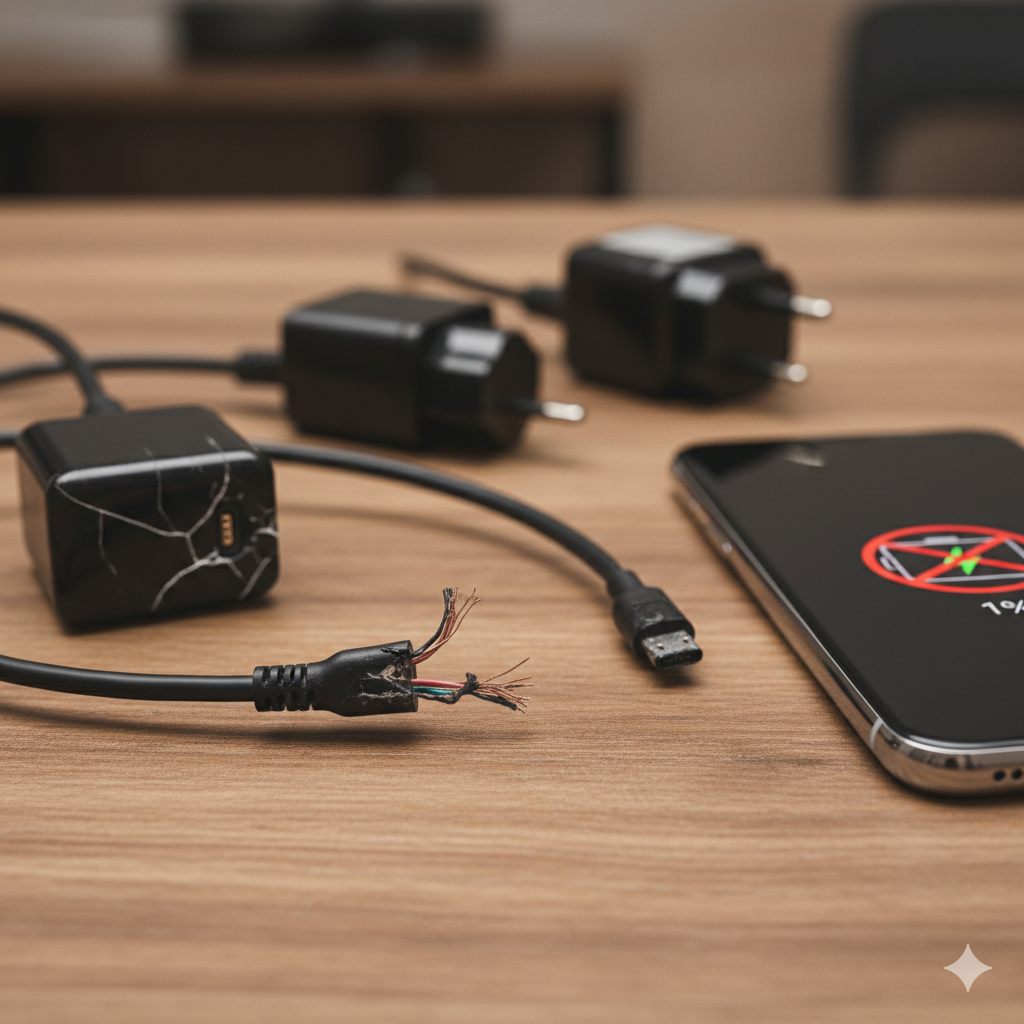
In most cases, the phone is not faulty — the charger is.
Why this happens:
-
Cable is broken inside
-
Adapter has stopped giving proper power
-
Cheap or duplicate chargers stop working early
What to do:
-
Try a different cable and adapter
-
Use an original or certified charger
-
Avoid very cheap chargers
If your charger is not working, your phone will not charge properly or at all.
2. Charging Port Is Dirty or Damaged
Dust and pocket lint slowly collect inside the charging port.
Signs:
-
Charger feels loose
-
Phone charges only at certain angles
-
Charging keeps disconnecting
Fix:
-
Gently clean the port with a wooden toothpick
-
Do NOT use metal objects
-
If still not charging, the port may need repair
This is a very common reason for iPhone and Samsung charging problems.
3. Phone Is Overheating (Charging Will Stop)
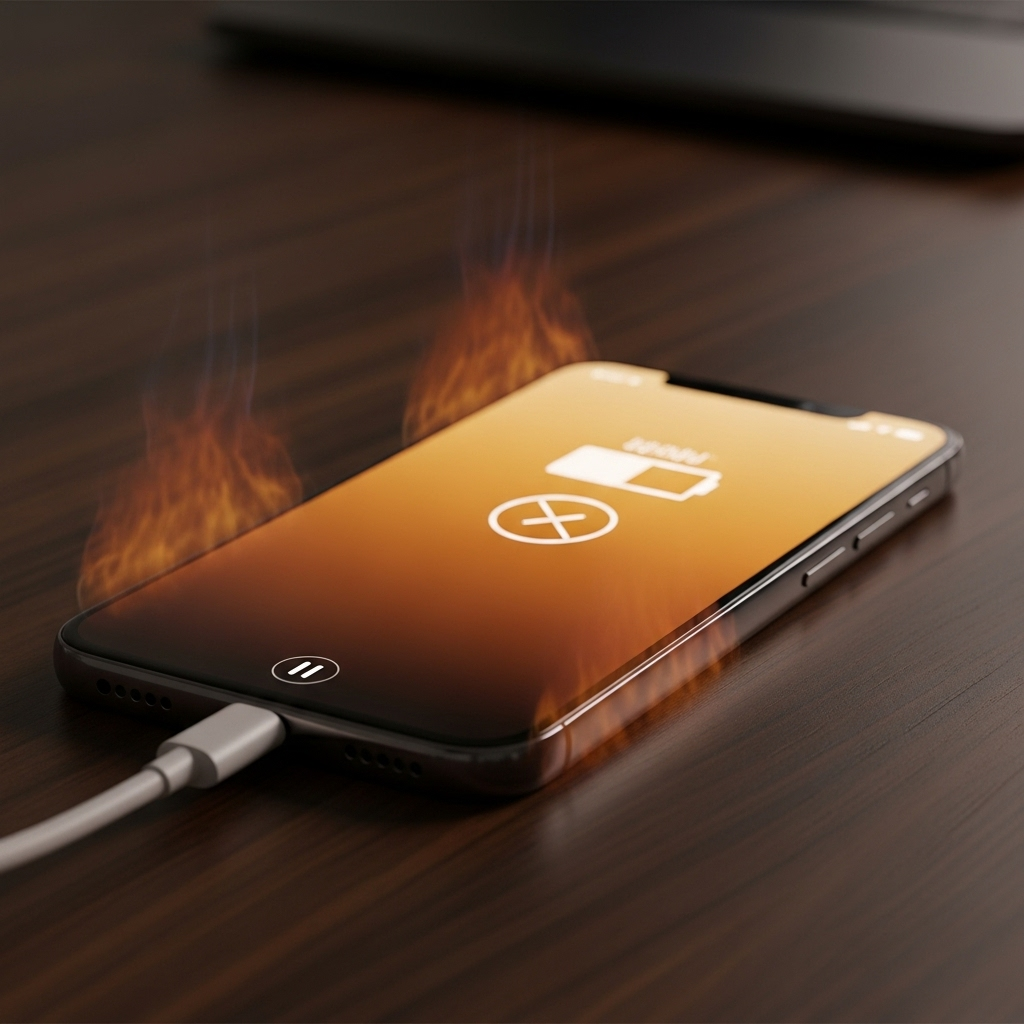
Phones automatically stop charging if they get too hot.
Common causes:
-
Using phone while charging
-
Fast charging in hot weather
-
Cheap chargers causing heat
Solution:
-
Remove phone cover while charging
-
Let phone cool down
-
Charge in a cool place
Overheating is a major reason why phones refuse to charge.
4. Battery Is Too Weak or Damaged
If the battery is old, it may stop accepting charge.
Symptoms:
-
Phone switches off suddenly
-
Battery percentage stuck
-
Phone does not turn on even after charging
What to do:
-
Leave phone charging for 30 minutes
-
If no response, battery replacement is required
This applies to Samsung, iPhone, Motorola, and all Android phones.

5. iPhone Not Charging — Common Reasons
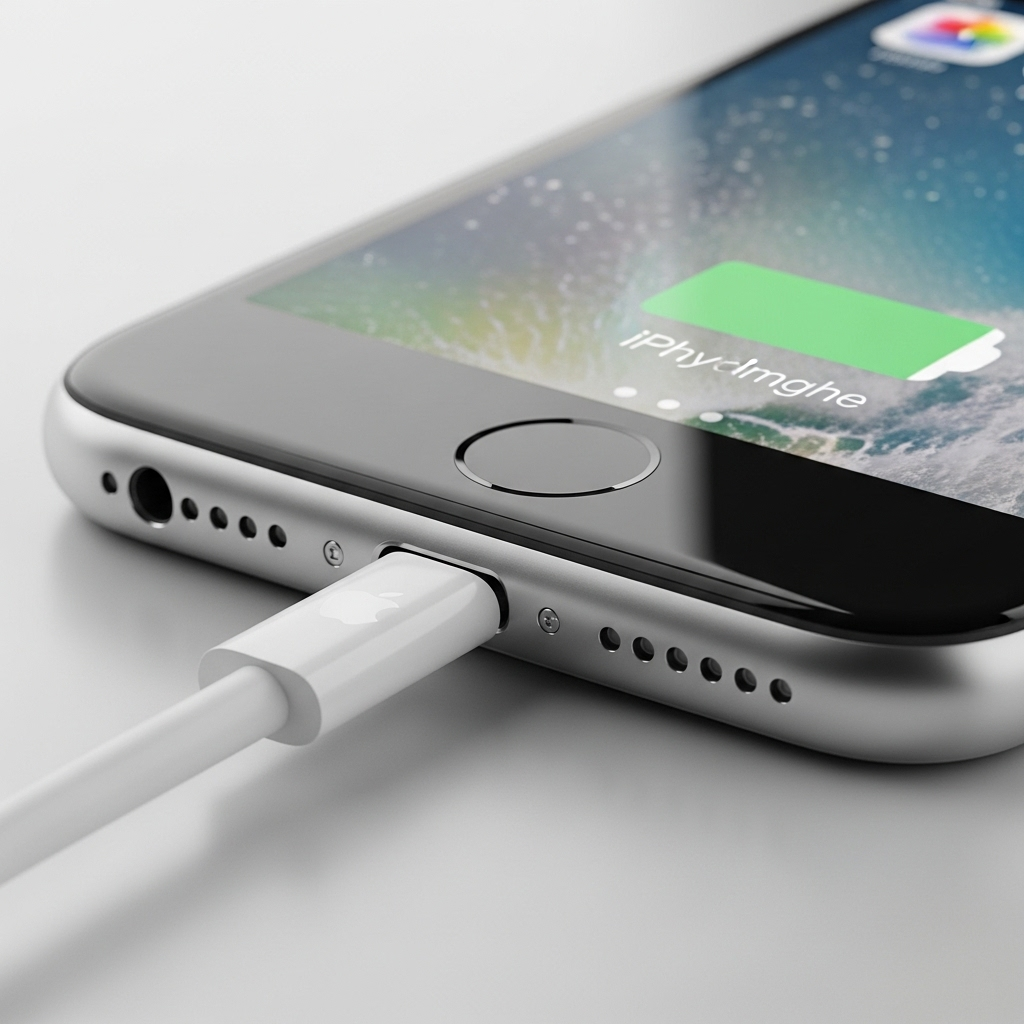
If your iPhone is not charging when plugged in, check these points:
Possible causes:
-
Dirty Lightning port
-
Battery health below 80%
-
iPhone charging stops at 80% due to heat
-
Faulty charging cable
Fix:
-
Clean the charging port carefully
-
Use original cable
-
Turn off phone and charge
-
Check Battery Health in settings
When an iPhone stops charging above 80%, it is usually a battery protection feature, not a fault.
6. Samsung Phone Not Charging — What to Check
If your Samsung phone will not charge, the problem is often simple.
Common reasons:
-
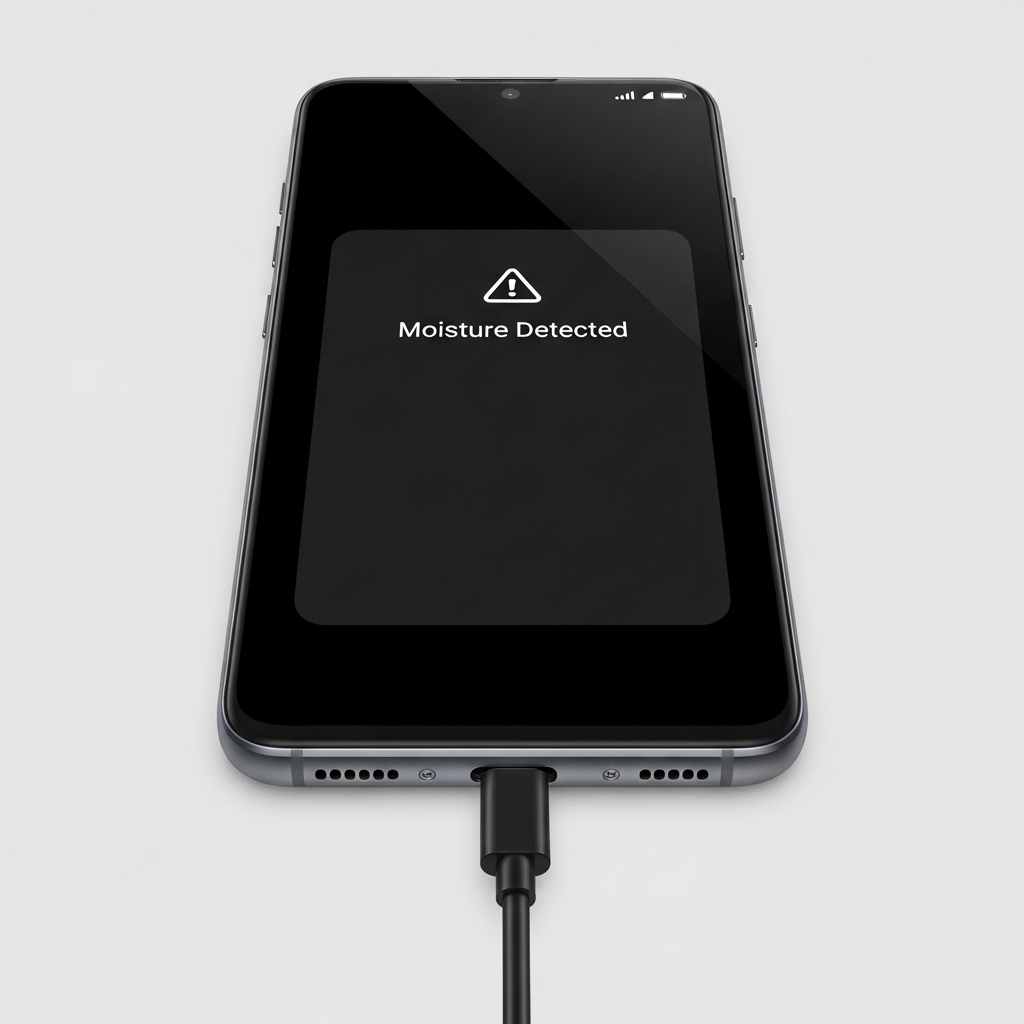
Moisture detected in charging port
-
Fast charging turned off
-
Damaged charging cable
Fix:
-
Dry the phone completely
-
Turn fast charging ON in settings
-
Try another cable
Samsung phones protect themselves when moisture is detected.
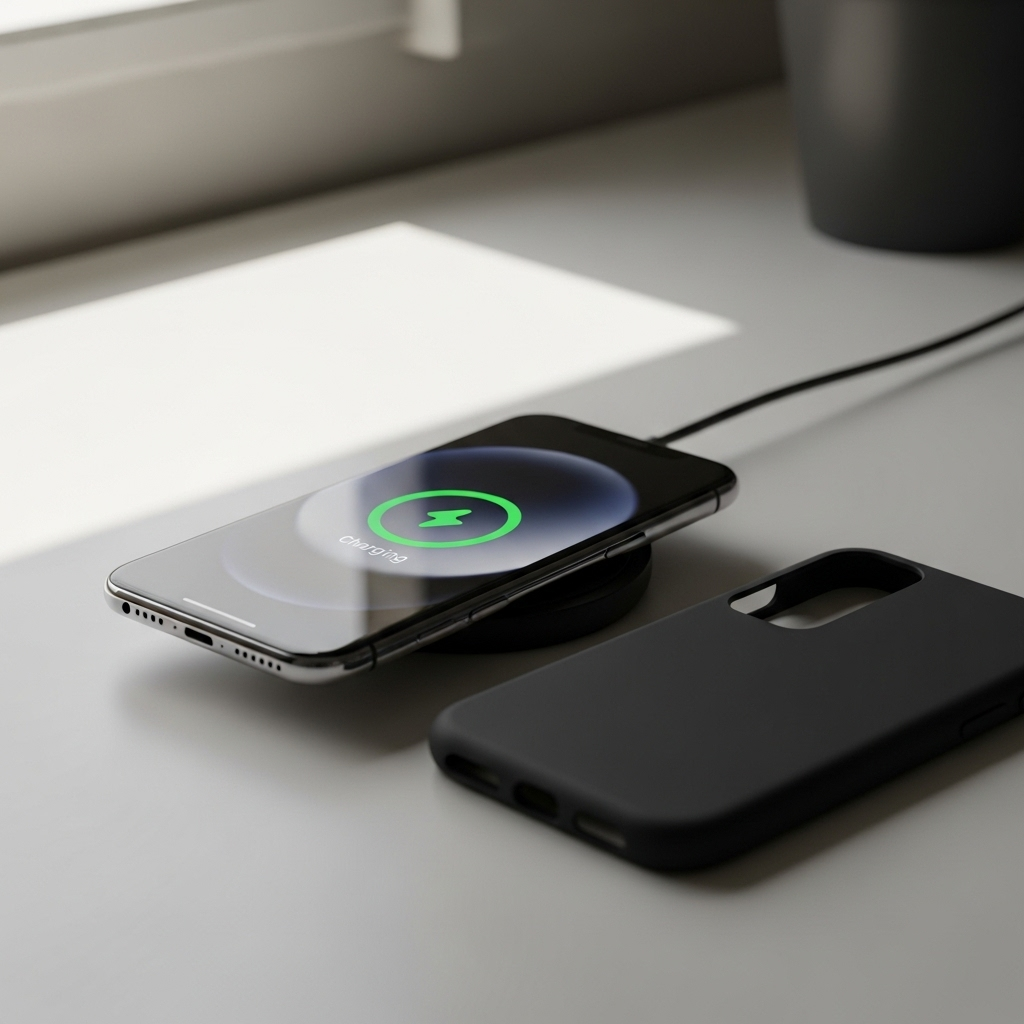
7. Wireless Charging Not Working
If your phone supports wireless charging and it is not working:
Possible reasons:
-
Thick phone case
-
Misaligned phone on pad
-
Wireless pad not getting power
Fix:
-
Remove phone cover
-
Place phone correctly
-
Try another charging pad
8. Software or System Problem
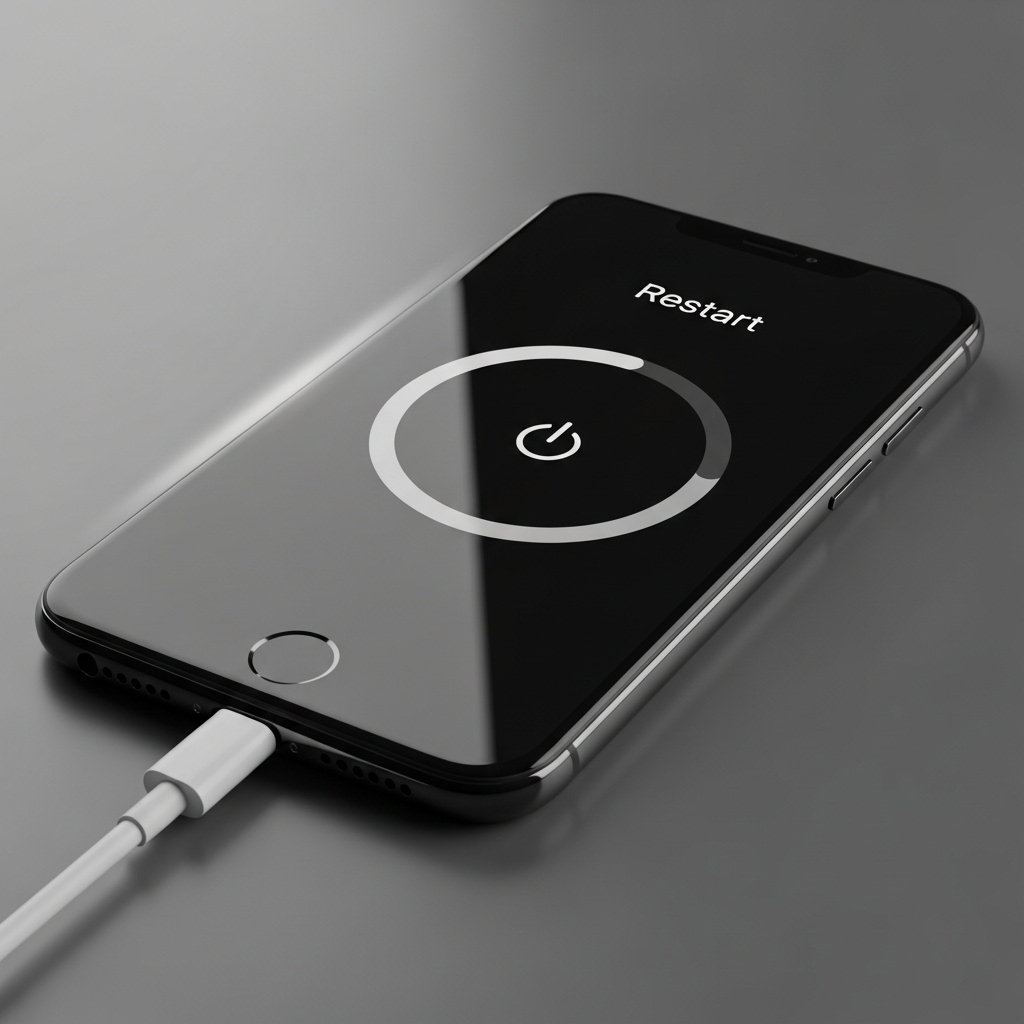
Sometimes, the phone software causes charging issues.
What to try:
-
Restart the phone
-
Update the software
-
Power off and charge
A simple restart fixes many cases where the phone is not charging properly.
9. Phone Not Switching On Even After Charging
If your phone does not turn on after charging:
Reasons:
-
Completely drained battery
-
Faulty battery
-
Charging IC problem
What to do:
-
Leave phone on charge for 30–40 minutes
-
Try another charger
-
If still dead, visit a repair shop
10. When You Need Professional Repair
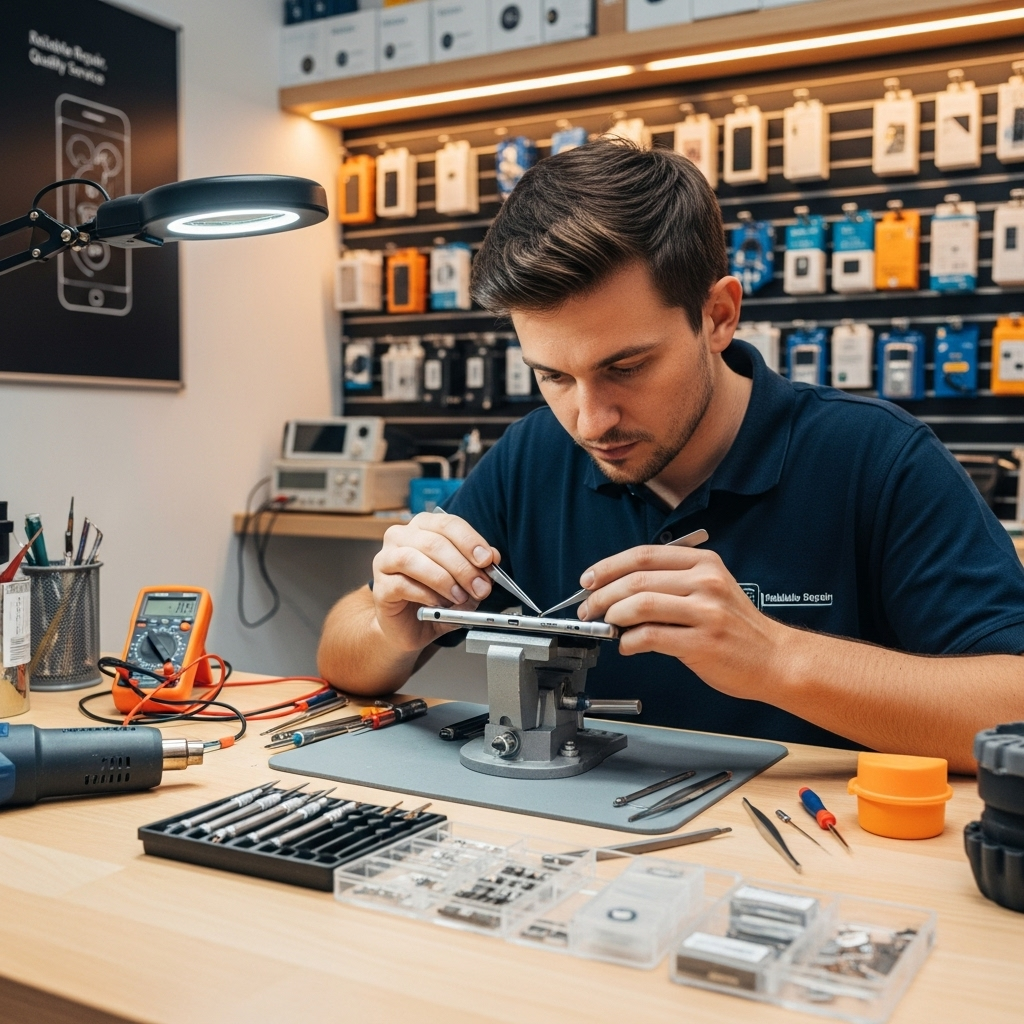
If you tried everything and still your phone won’t charge, then it is time for professional help.
You may need repair if:
-
Charging port is damaged
-
Battery is completely dead
-
Phone only charges at certain angles
-
Charger is fine but phone still won’t charge
Final Advice
Most charging problems are not serious and can be fixed easily.
Do not panic and do not force the charger into the phone.
If your phone still does not charge after trying basic fixes, getting it checked early can save money and prevent bigger damage.
Mobile Charging Repair – Shree Sundhamata
At Shree Sundhamata, we offer:
-
Charging port repair
-
Battery replacement
-
Charger & cable replacement
-
iPhone, Samsung, Motorola & all Android phones
📍 Visit our store in Bangalore for fast and trusted mobile repair.